
TonoCard

AI Phone Secretary Card

Attach and go.AI takes your calls.

Dual-channel Bluetooth HFP + BLE No sign-up. No accounts.

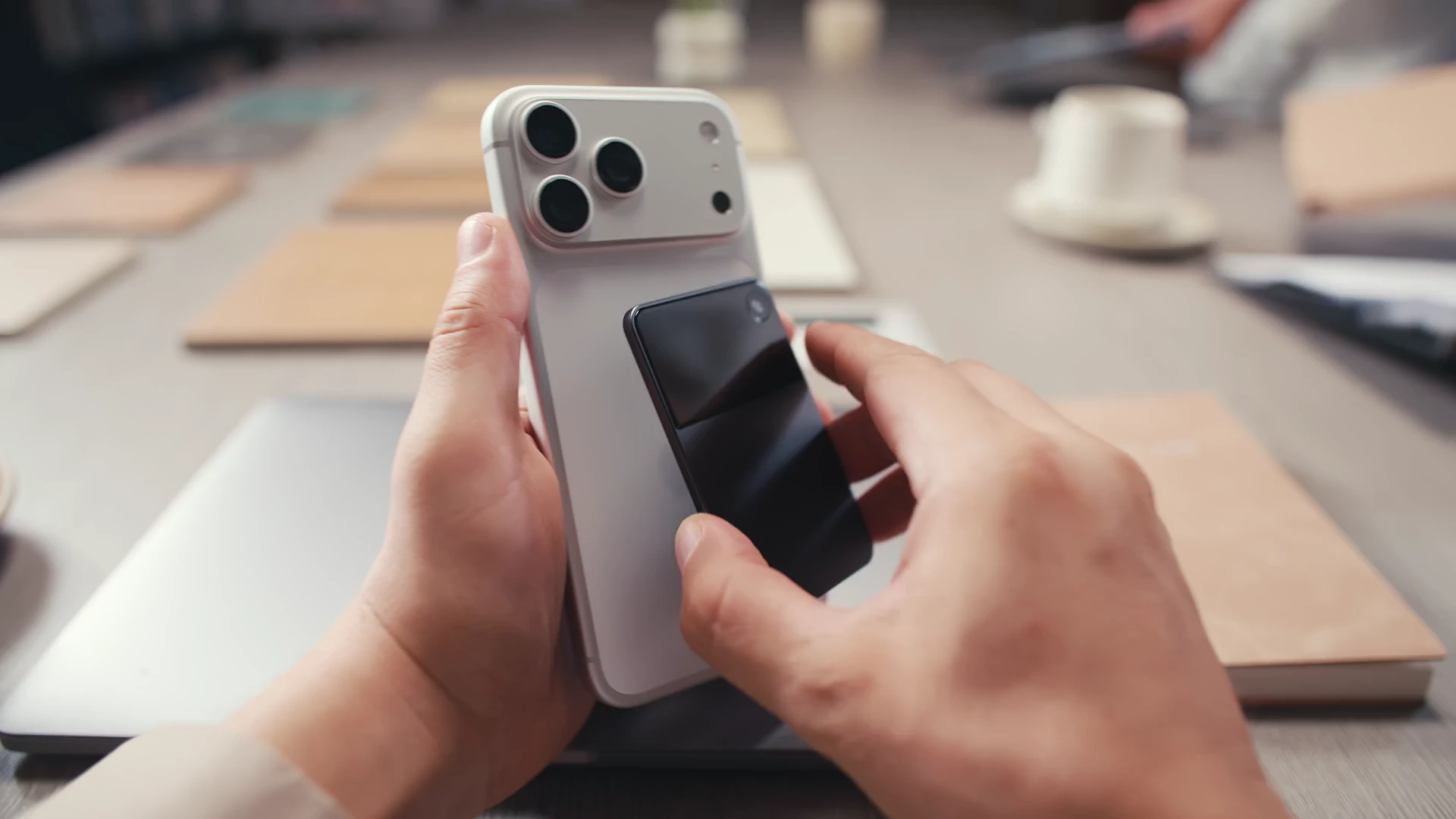
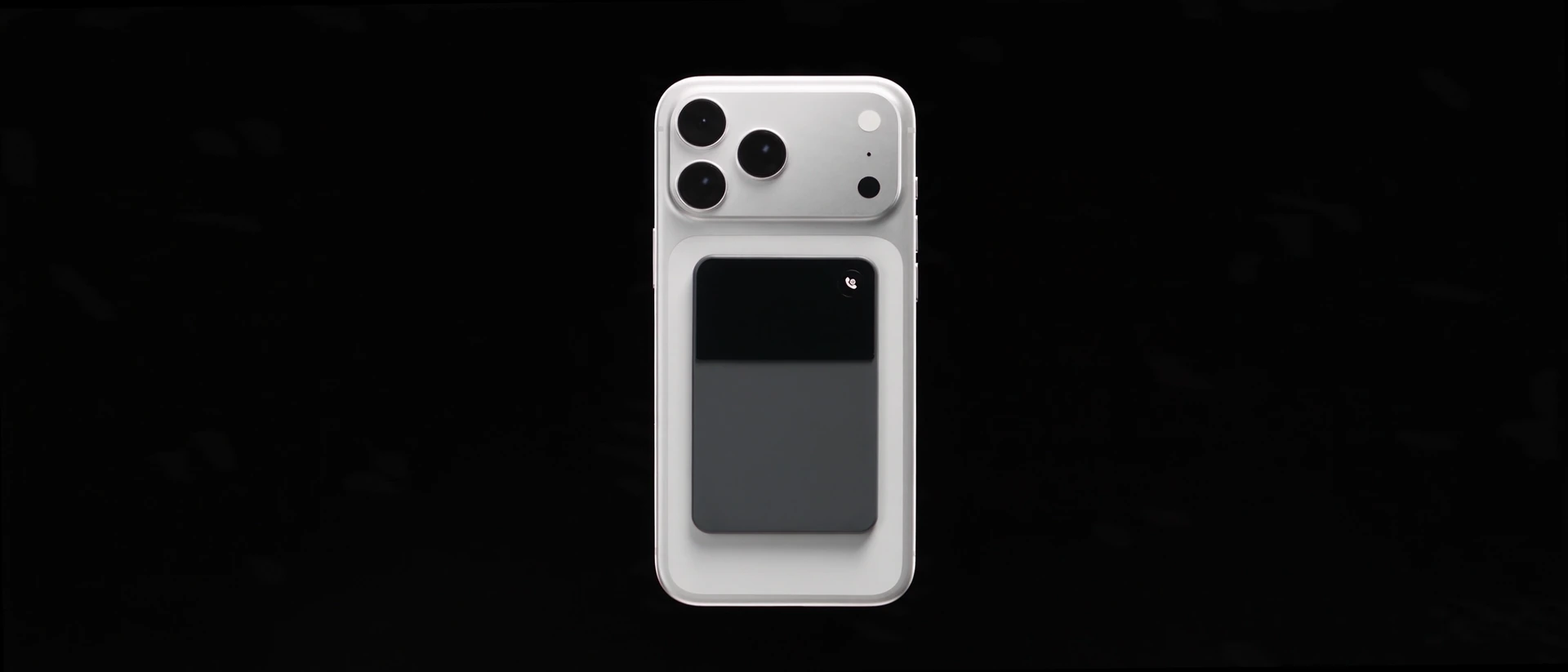
TonoCard attached to a white phone, with Smart mode on its screen

AI answers first Assesses intent in real time

AI hangs up when it identifies an unwanted sales call.

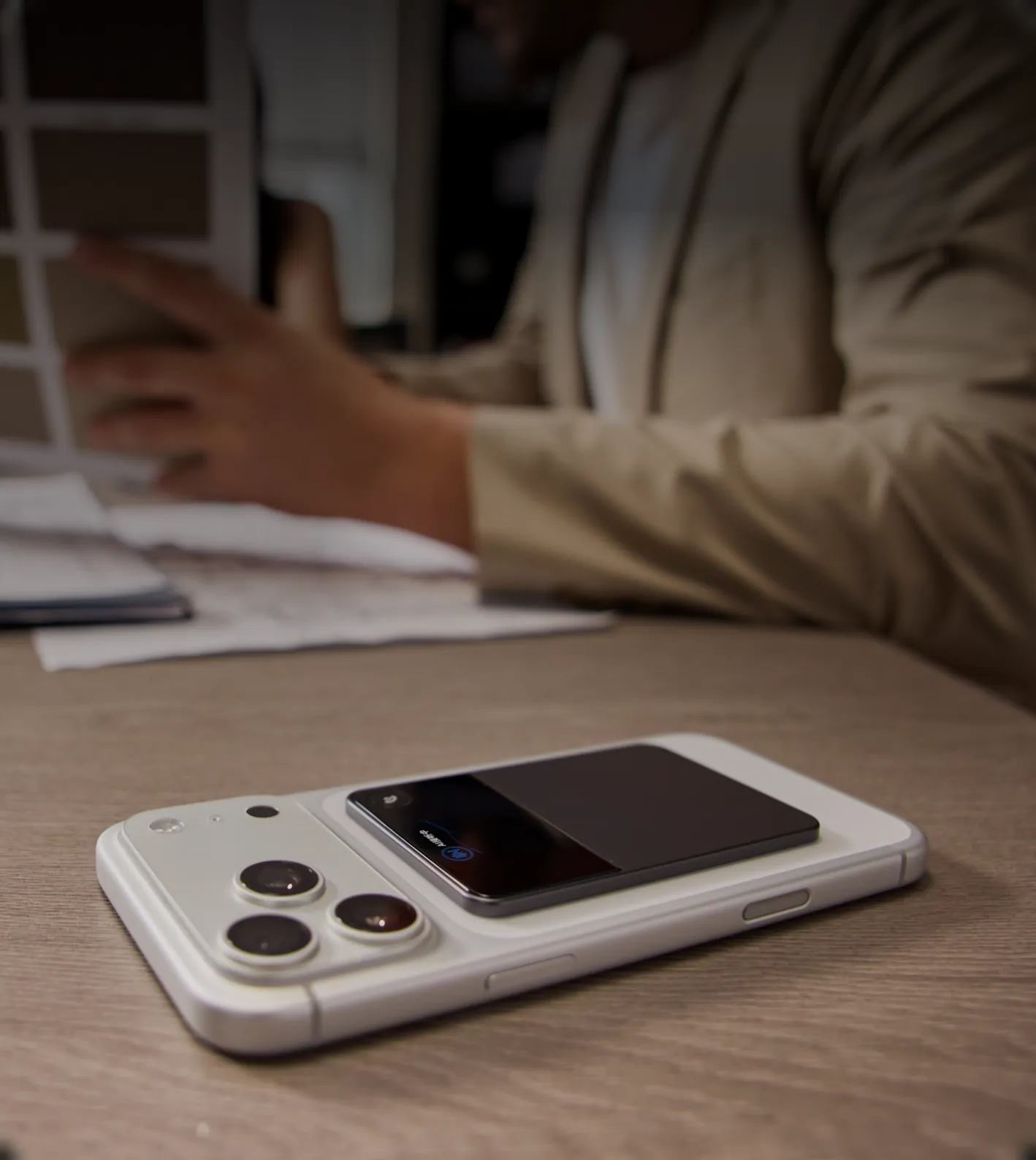
A phone with TonoCard on the back rests on a desk, beside a conversation showing the AI secretary answering a call

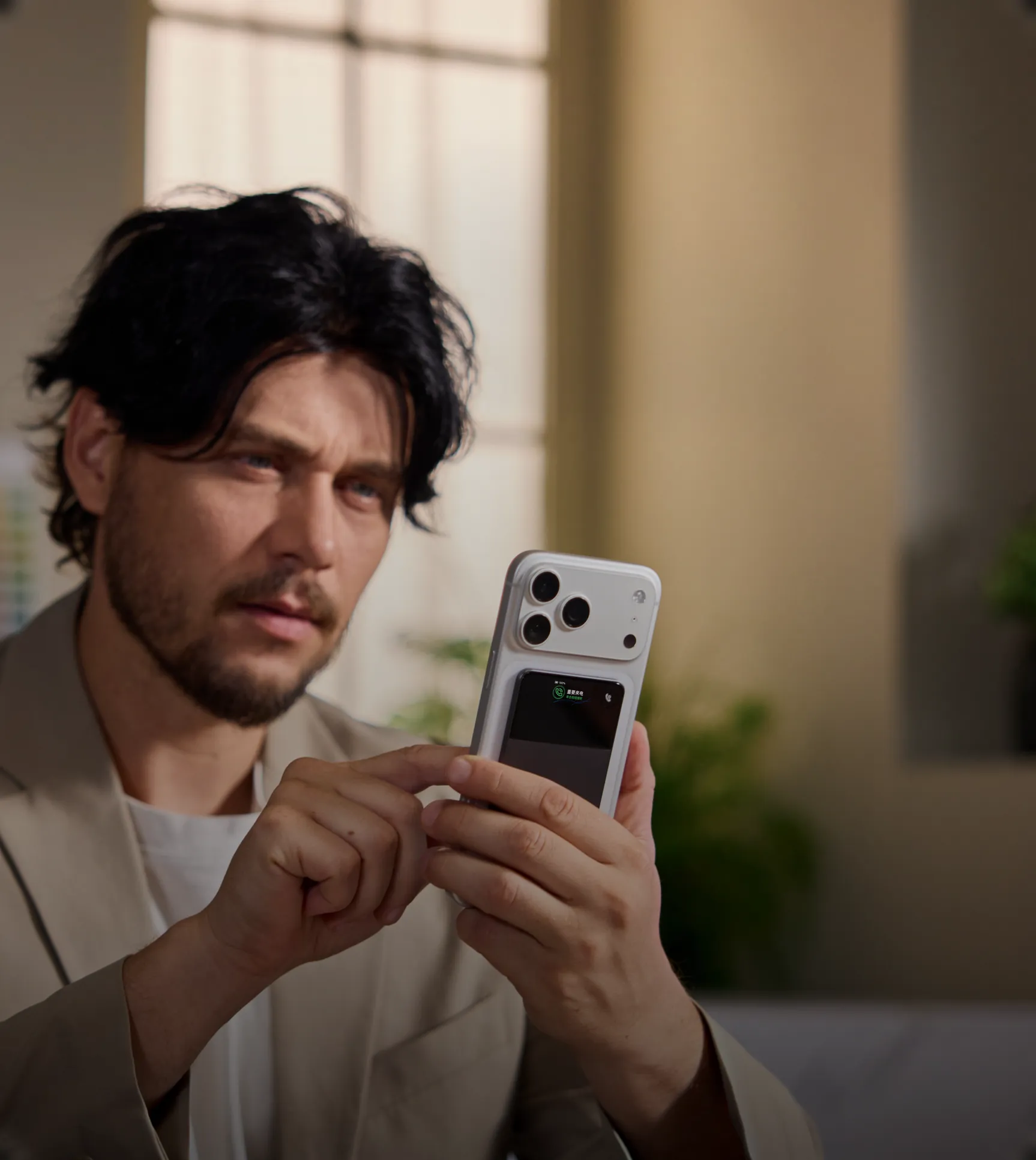
Important calls get through right away

No more worrying about missing what matters.

A man checks his phone beneath a notification that an important call is waiting for him

Always in control

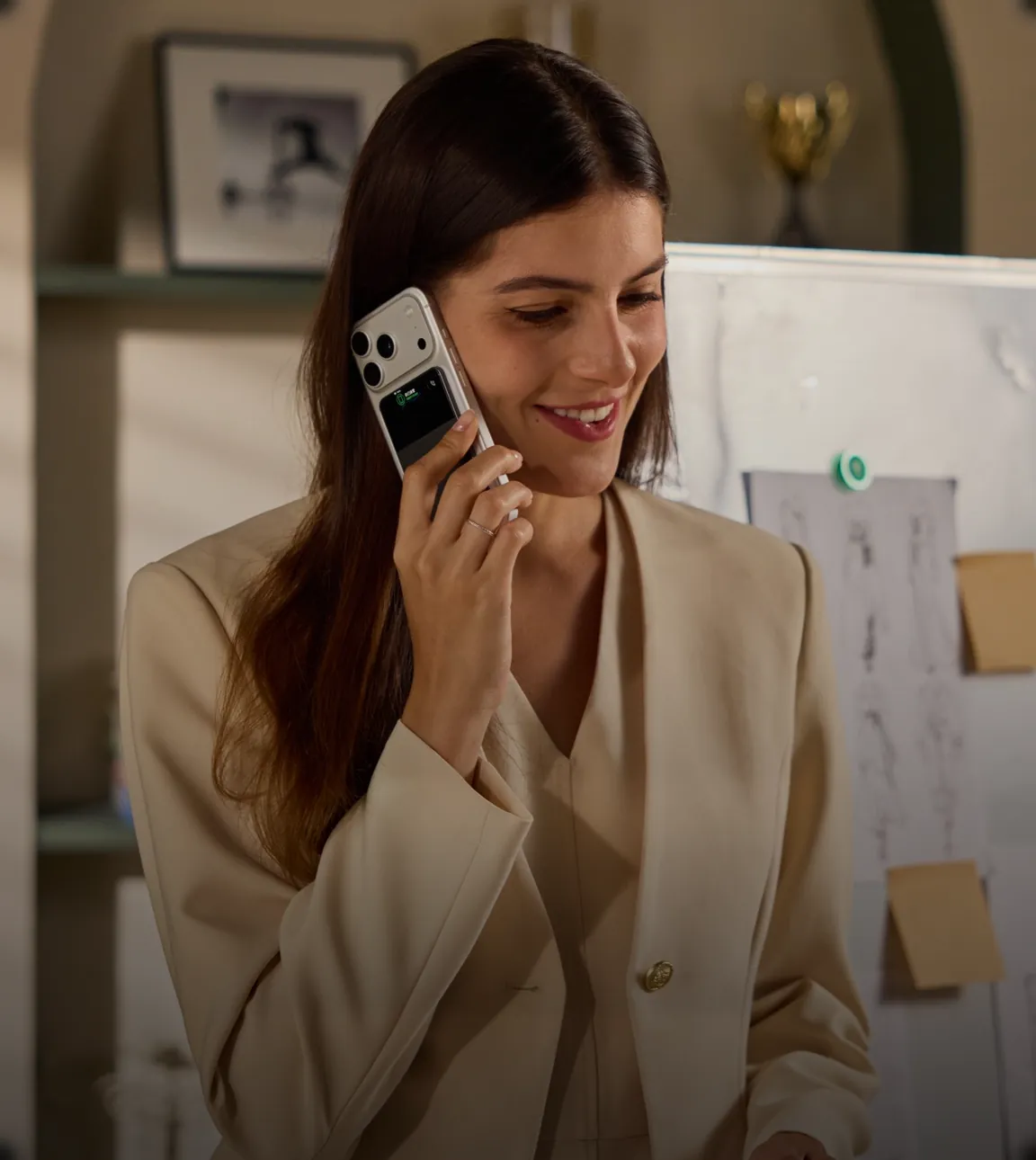
When you take over, Bluetooth disconnects and recording stops.

A woman takes a call in front of a whiteboard, with TonoCard attached to the back of her phone

AI captures the key points

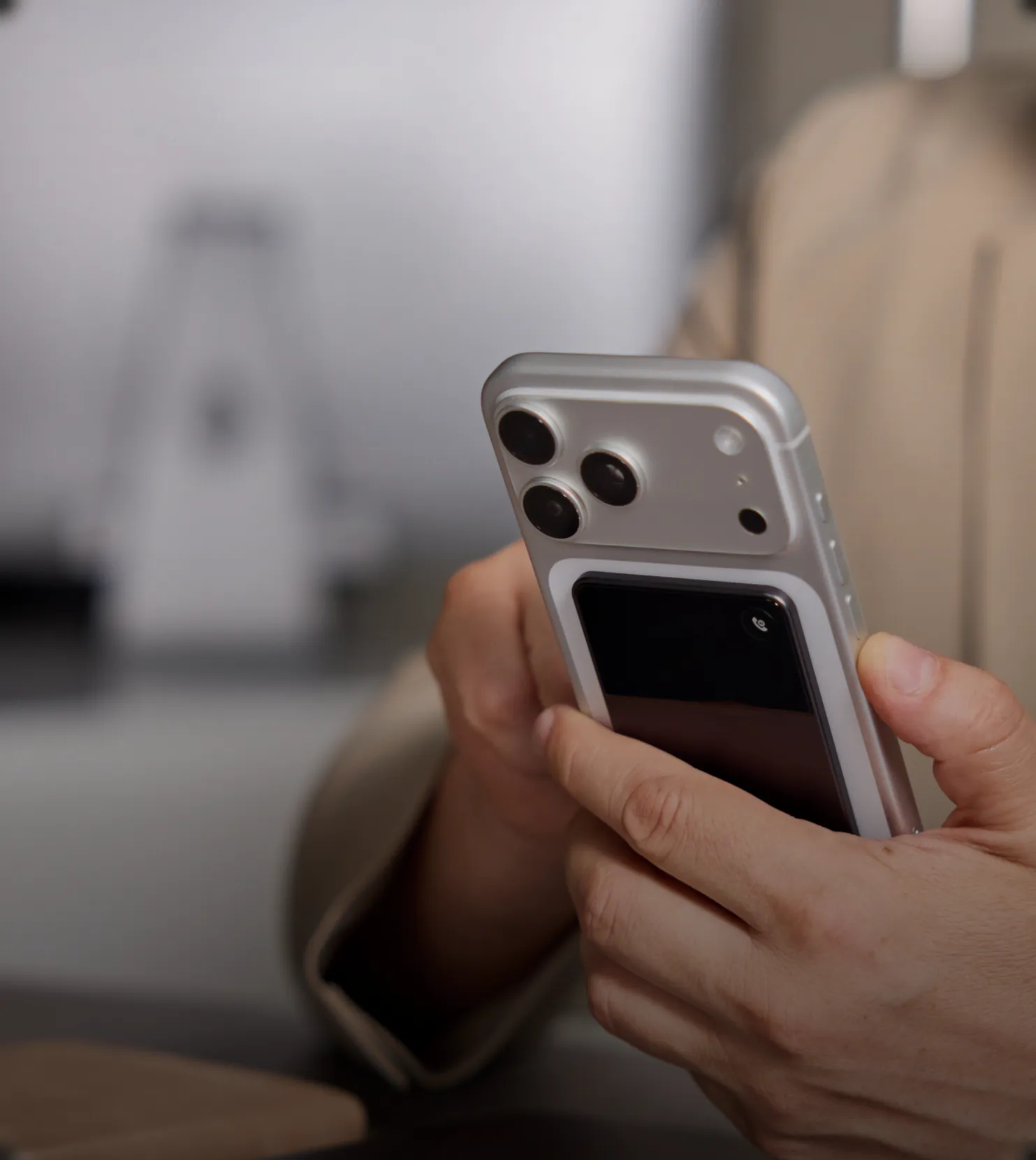
After the call, review a summary of the part handled by AI.

A hand holds a phone with TonoCard attached, beneath an AI summary card shown after the call

Make your AI secretary your own.

Customize call rules to fit your work and habits.

Put interested customers through
to me. If I'm busy, ask them to add
this number on WeChat.

Work calls

  • New

    Interested customer → Put them straight through to me.

  • New

    If I'm busy → Ask them to add this number on WeChat.

Can't call back? Let your AI secretary handle it.

Stay focused. Your AI secretary can make the call.

Call David back. I'm in a meeting.
I'll
bring someone from finance
to their office
at 3 p.m.

AI callback

David Wilson

Goal for this call

Tell David I'm in a meeting. Ask to meet at their office at 3 p.m. with someone from finance.

Need fewer interruptions? Let your AI secretary answer.

AI answers phone calls and voice calls on WhatsApp, Line, and WeChat.

Calls for the AI agent era

Make calls from your Mac or PC, too.

With AI tools like Workbuddy and Codex, phone calls connect your agent to the real world.

A phone with TonoCard attached sits beside a laptop showing an AI tool being asked to make a call

Why hardware
+ an app?

Third-party iPhone apps don't have permission to access phone calls.

TonoCard connects like a Bluetooth headset. The app lets cloud AI answer calls for you.

  1. Phone call
  2. TonoCard
  3. Phone app
  4. Cloud AI
A phone with TonoCard attached rests on a wooden desk beside a coffee and laptop

TonoCard is your call specialist.

Calls answered your way. Important calls put through. Take over whenever you want.

FeatureTonoCardAI Phone Secretary CardiPhoneCall ScreeningAndroidGoogleAPPTruecaller Assistant
How calls are answered
Follows your instructions
Screens unknown callers
Screens callers; offers suggested replies
AI answers via call forwarding
Live call takeover
Interrupt AI and take over anytime
—
Join a screened call anytime
Answer from the live chat (iOS)
AI outgoing calls
AI calls from your phone or computer
—
AI calls to businesses (limited)
—
Custom AI answering rules
Custom rules in natural language
—
—
—
AI answering in third-party apps
WeChat / WhatsApp / Line
—
—
—
Your voice for AI answering
—
—
Personal Voice (Premium)

“—” means no matching capability is confirmed for that use case. Call rules mean natural-language instructions for handling incoming conversations.Google features are limited to supported devices and markets; AI outgoing calls have additional eligibility requirements. TonoCard outgoing calls and voice cloning require Standard or Advanced. Truecaller Assistant is a Premium feature requiring supported carrier call forwarding. Availability varies by device, software, language, region and plan.Apple Call Screening · Google Call Screen · Google AI calls · Google call controls · Truecaller Assistant · iOS call controls · Personal Voice

Private data stored locally No accounts

Cloud data is deleted as soon as processing ends. We don't want or need to know who you are.

Hardware specs

Battery & battery life
500 mAh · ~30 days
Tested: 5 incoming calls/day on average
Dimensions & weight
86 × 56 × 3.2 mm
Approx. 35 g total weight
System compatibility
Supports iOS
 
Wireless connectivity
Bluetooth 5.3
HFP + BLE
Display
OLED · 120 × 240 px
282 PPI
Charging
4-contact magnetic
Pogo Pin · 5 V / 0.5 A

Due to the wide range of Android devices and operating system versions, the experience with the standard app may vary on some devices.

Common questions

01. Do I need another SIM card or phone number?

No. TonoCard connects to a compatible phone via Bluetooth. No extra SIM card or phone number is needed.

02. Can I use it with Bluetooth headphones or my car?

Yes. TonoCard can be used with Bluetooth headphones or your car's Bluetooth system.

03. What is the connection range?

Once connected, TonoCard can handle calls within a range of up to 5 meters from your phone.

04. What needs to stay on for AI to answer calls?

Keep your phone connected to the internet and Bluetooth, with the app running. It can run in the background. Enable notifications to use it while your phone is locked.

Closing the app disables all features. If Bluetooth or the internet connection is turned off, AI will no longer answer calls.

05. Can I hand a call back to AI after taking over?

No. Once you take over a call, you cannot hand that same call back to AI.

06. What if AI misjudges a call?

AI can make mistakes. Review the summary and original audio to decide whether to call back, then adjust your call rules if needed.

07. Will callers know it's AI? What if they don't want to talk to it?

The current demonstration opens with “Hello, I'm the AI secretary.” If a caller does not want to talk to AI, the phone owner decides how to handle it.

08. Will AI make important decisions for me?

No. AI prompts you to review the key points. The decision is yours.

09. Are calls recorded? Where are the records stored?

Summaries and original audio from the part of a call handled by AI are stored locally. You can review them in the app. Cloud data is used only for processing and deleted as soon as processing ends. Recording stops when you take over.

10. Could my cloned voice be stolen?

Before using voice cloning, you must read and accept the relevant privacy policy and terms of service. These appear when you first open the app and set up TonoCard. See the TonoCard Privacy Policy for details on how voice data is handled and protected.

11. How much are the plans? How many phones can I use?

Plans and pricing

Plan benefitsFreeStandardAdvanced
Monthly priceFree14.9 USD/month44.9 USD/month
Phones1 phone1 phone3 phones
Incoming call minutes50 min/month200 min/month600 min/month
AI callbacks / outgoing callsNot included60 min/month200 min/month
Voice cloningNot includedIncludedIncluded

Free

Monthly price
Free
Phones
1 phone
Incoming call minutes
50 min/month
AI callbacks / outgoing calls
Not included
Voice cloning
Not included

Standard

Monthly price
14.9 USD/month
Phones
1 phone
Incoming call minutes
200 min/month
AI callbacks / outgoing calls
60 min/month
Voice cloning
Included

Advanced

Monthly price
44.9 USD/month
Phones
3 phones
Incoming call minutes
600 min/month
AI callbacks / outgoing calls
200 min/month
Voice cloning
Included

The Advanced plan supports 3 phones with just 1 card. Plan allowances are shared, and each phone can have its own call rules.

12. What happens if I use up my allowance?

Once your allowance is used up, you will need to upgrade to a higher-tier plan. You choose which tier to use.

13. What if I lose my TonoCard?

Data is stored locally on your phone, and TonoCard has no account system. You can unlink a lost card. Losing the card does not cause your data to be lost or exposed.

14. When does it launch and ship?

Crowdfunding launches October 15. Global sales begin December 1, and online orders ship the same day. Shipping dates are not delivery dates.